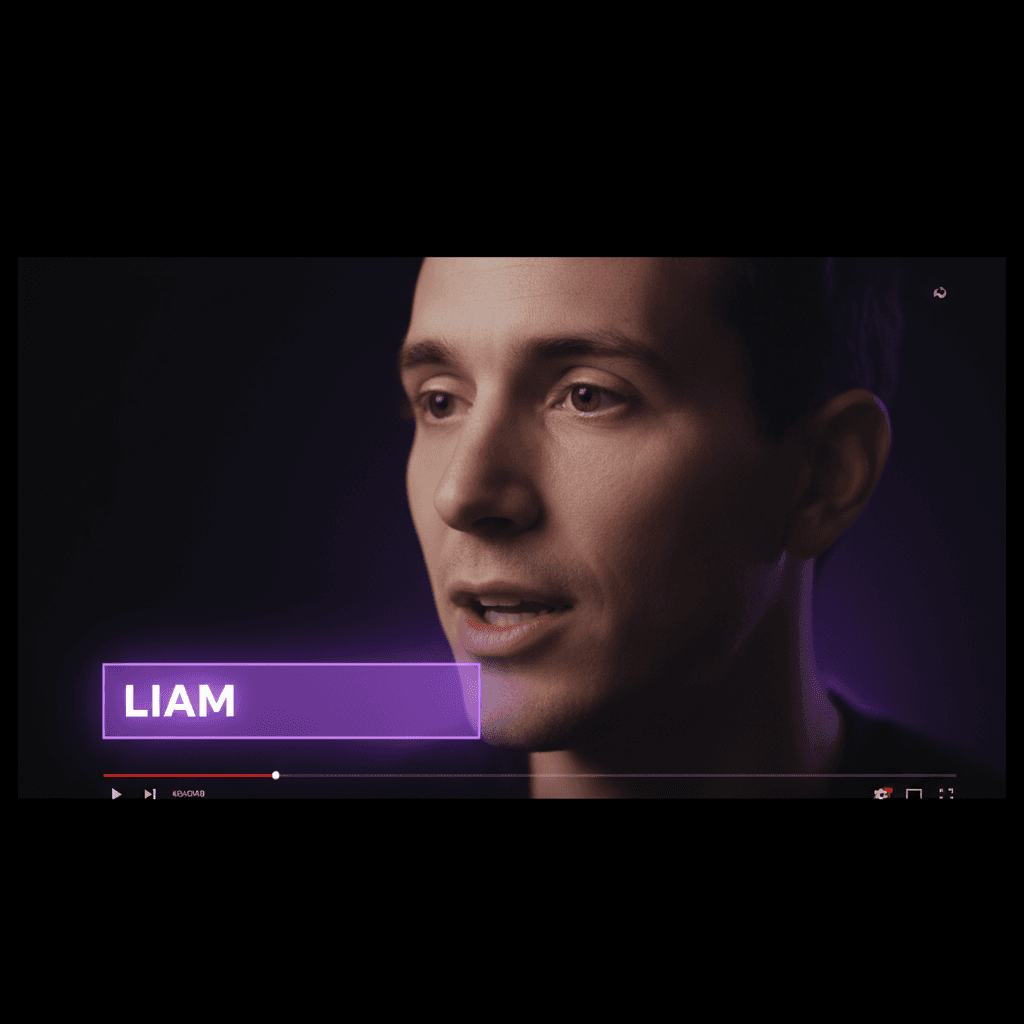
Filming a video takes lighting, a backdrop, sometimes makeup, and above all the nerve to be on camera. A talking AI avatar removes all of that: you provide a photo, and you get a face on screen that speaks, moves its lips and looks at the visitor.
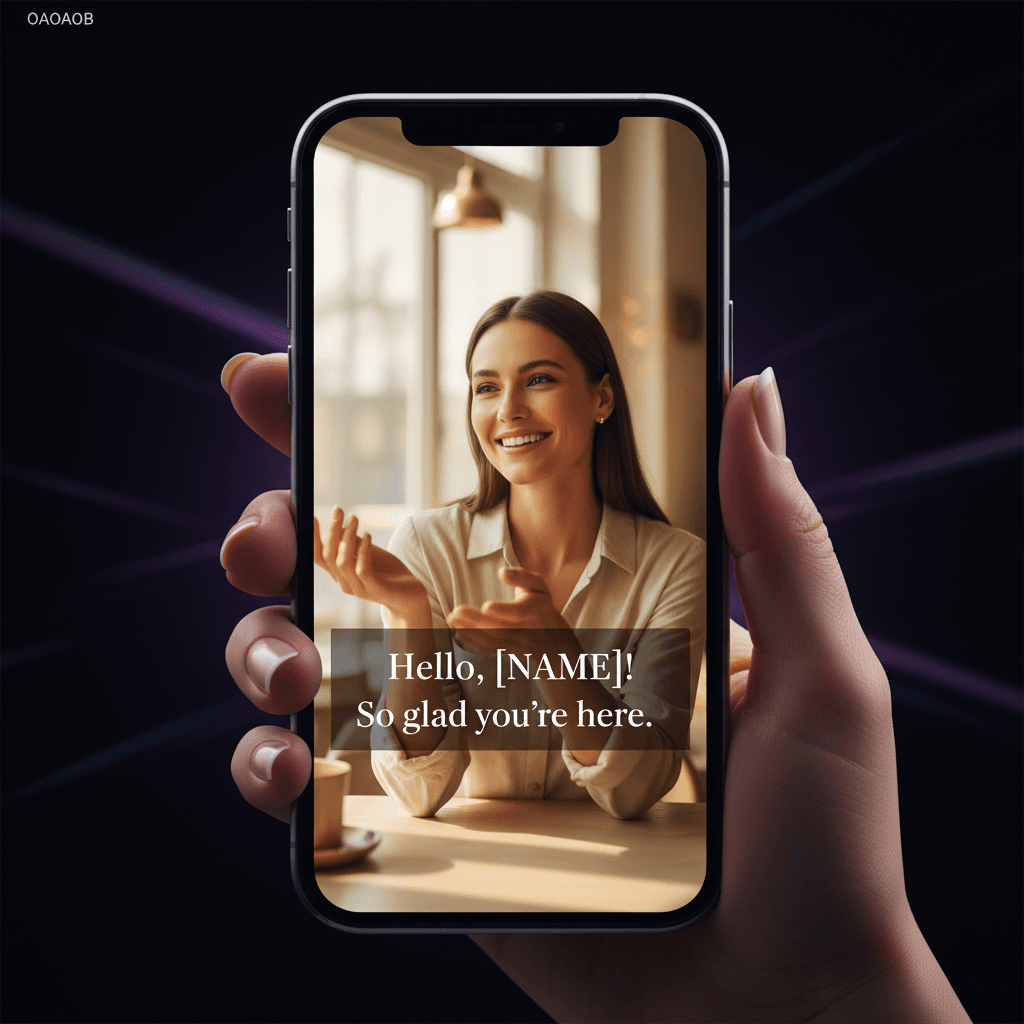
And because Quiz Funnel personalizes every video, that avatar doesn't just talk: it says the visitor's first name and echoes their answers. Let's look at how the technology works, without jargon, and what it makes possible in practice.
A photo that starts speaking
The principle is surprisingly simple to use. You give the AI two things: a photo of a face, and a text (or a voice). The system animates the face so it speaks that text — the mouth moves in sync with the words, the features stay natural.
The result isn't a frozen photo with a voice on top. It's a living face that seems to genuinely address the person in front of the screen.
How it works, without jargon
Under the hood, the AI does three things, but you have to manage none of them:
- 01It understands the face: from the photo, it locates the eyes, the mouth, the outline of the face, and reconstructs how it moves.
- 02It syncs the lips: for each word of the text, it animates the mouth into the right shape, at the right moment.
- 03It adds the natural touches: blinks, micro head movements, expressions — the details that keep it from looking like a puppet.
In Quiz Funnel, you create this avatar in the avatar studio from a photo, then video generation produces a unique video for each visitor, first name included.
No filming: what it really changes
The real benefit isn't just "saving a shoot." It's unlocking things that were simply impossible to do by hand.
- No equipment: no camera, no studio mic, no editing software.
- No retakes: one word to change? Edit the text, regenerate. No reshoot.
- Endless versions: you can't film 5,000 personalized videos by hand. The avatar does it, name by name.
- Zero camera stress: if being on camera blocks you, the avatar lifts the obstacle.
“I hated filming myself. With a single photo, I finally have an intro video — and it says every signup's first name.”
A few concrete examples
Here is how merchants use a talking avatar created from a photo:
- Quiz result: at the end of the quiz, the avatar appears and says "Hi Thomas, here's what your answers reveal…".
- Welcome video on the landing page: a human face that greets the visitor, far more engaging than a block of text.
- Objection handling: a short video message where the avatar directly addresses the prospect's doubt.
- Post-purchase thank-you: "Thanks Léa, your access is ready" — with the first name, it creates a real bond.
A photo, yes — but a good photo
The quality of the avatar depends mostly on the starting photo. A few simple rules are enough to get an excellent result:
- A face-on shot, well lit, gaze toward the lens.
- A neutral or slightly smiling expression (easier to animate).
- A sharp, high-resolution photo, no sunglasses or objects in front of the face.
- A plain background helps, but isn't essential.
On responsibility, the same rule as for voice applies: only use your own image, or that of a consenting person. Your photo, a partner's who agreed — never a third party's face without their knowledge. To go deeper on this, see our voice cloning guide, which lays out the same consent logic.
In the end, that's the promise: your face, your voice, addressing every visitor by their first name — without ever turning a camera back on.
Bring your avatar to life from a photo
Upload a photo, and get an avatar that says each of your visitors' first names.
Start for freeWritten by
Quiz Funnel
Équipe éditoriale