
You have 800 subscribers and no idea which ones are worth a call. That is daily life for many coaches and course creators: a big list, but no clue who is ready to buy. A quiz solves exactly that: it qualifies each lead while they answer.
The real problem: volume without sorting
Capturing emails is easy. Knowing which to handle first is not. A generic lead magnet (a PDF, a checklist) brings volume, but also browsers who will never buy. You spend your calls and sequences on cold contacts, and you burn out your sales energy.
Before you sell, you must qualify: know each person's budget, level, goal and blocker. The classic form does not ask for it (too many fields = drop-off). The quiz asks those questions naturally, one per screen.
What a quiz actually qualifies
Each well-thought question is a qualification criterion. For a coach or course creator, the four dimensions that matter:
- The need — where is the person, what is their main pain point?
- The level — beginner, intermediate, advanced: your offer is not the same.
- Budget / buying readiness — ready to invest, or just curious?
- The goal — weight loss, scaling, career change… it shapes the message.
With those four axes, you no longer capture an email: you capture a profile. You instantly know whether it is a hot lead to call, a lead to nurture, or a browser to leave in a long sequence.
“Before, I sent the same email to my whole list. Now the quiz sorts: “ready” leads get my offer, the rest get an education sequence. My closing rate doubled.”
Setting up scoring, concretely
- 01Assign a weight to each answer. “Budget > $2,000” is worth more points than “just browsing”. The score builds answer by answer.
- 02Define thresholds: hot (direct call), warm (sequence + offer), cold (long nurturing).
- 03Wire conditional logic: an “advanced” respondent skips the beginner questions.
- 04Route each profile to the right result and the right email sequence.
- 05Track conversion rate per segment and adjust the thresholds.
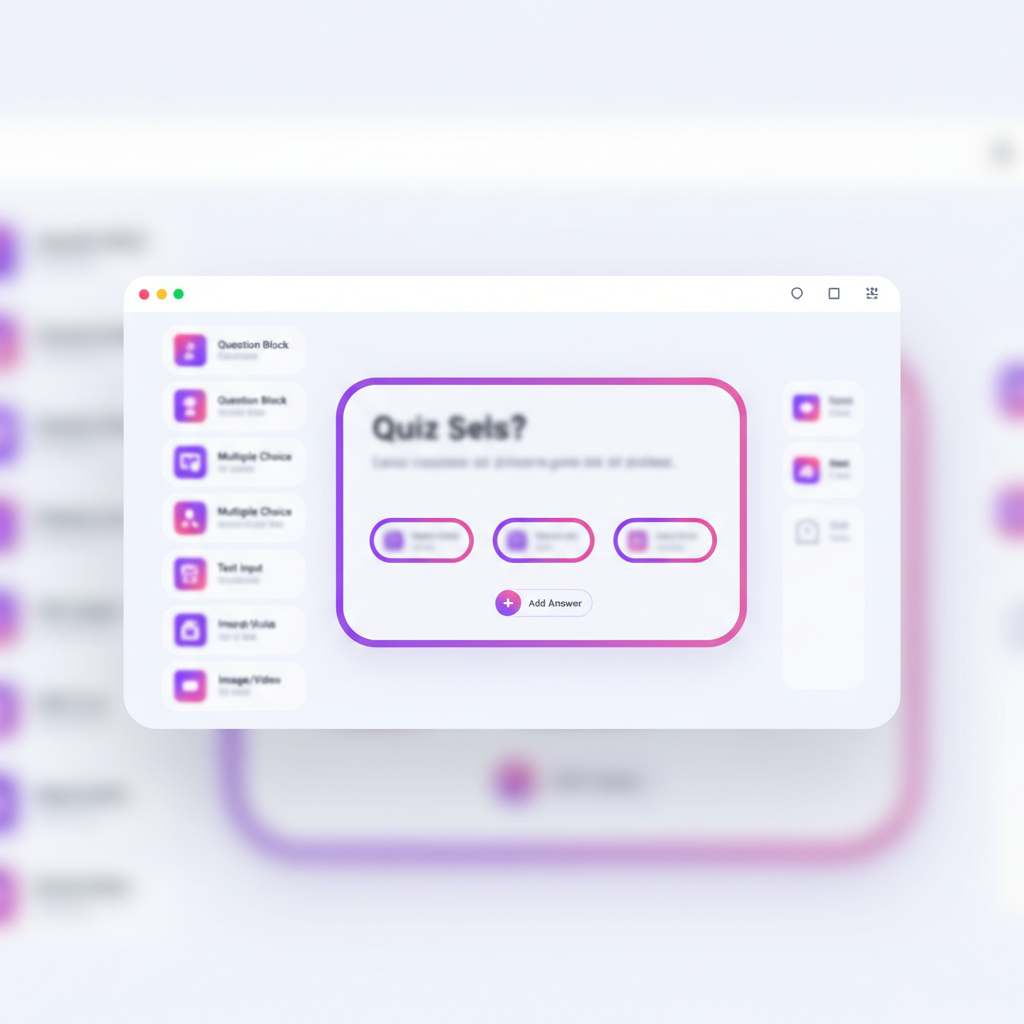
All of this is built in the quiz editor: answer weighting, conditional logic, per-profile result screens. No spreadsheet, no code — you map every path visually.
The moment that seals qualification: the closing video
Qualification does not stop at scoring. At the end of the quiz, Quiz Funnel plays a video that addresses the lead by their first name and reuses their answers. For a coach, that is decisive: the prospect feels they have already had a mini personal assessment. The relationship starts warm, not cold.
That is what sets Quiz Funnel apart from a “classic” quiz: where others show generic text, the video literally says the visitor's first name and choices. The effect on bookings is immediate — a mechanism detailed in the complete 2026 quiz funnel guide.
Qualification mistakes to avoid
- Scoring on flattering rather than buyable criteria. Measure buying readiness, not enthusiasm.
- Treating everyone the same after the quiz: if hot and cold get the same sequence, scoring served no purpose.
- Questions too intimate too early: ask about budget once perceived value is set.
- Forgetting to follow up with the warm ones: they are tomorrow's conversions, not waste.
Where to start
Start from your offer: who do you sell to, and what tells a good client from a bad one? Turn those criteria into 6 questions. Use cases by field (coaching, courses, consulting) are detailed on the Solutions page.
Qualifying with a quiz is not about collecting more emails: it is knowing, from capture, which ones are worth your time. You talk to the right leads, at the right moment, with the right message — and the personalized video does the rest.
Qualify your leads while they answer
Build a quiz that scores, segments and ends with a video that says each lead's first name.
Start for freeWritten by
Quiz Funnel
Équipe éditoriale